
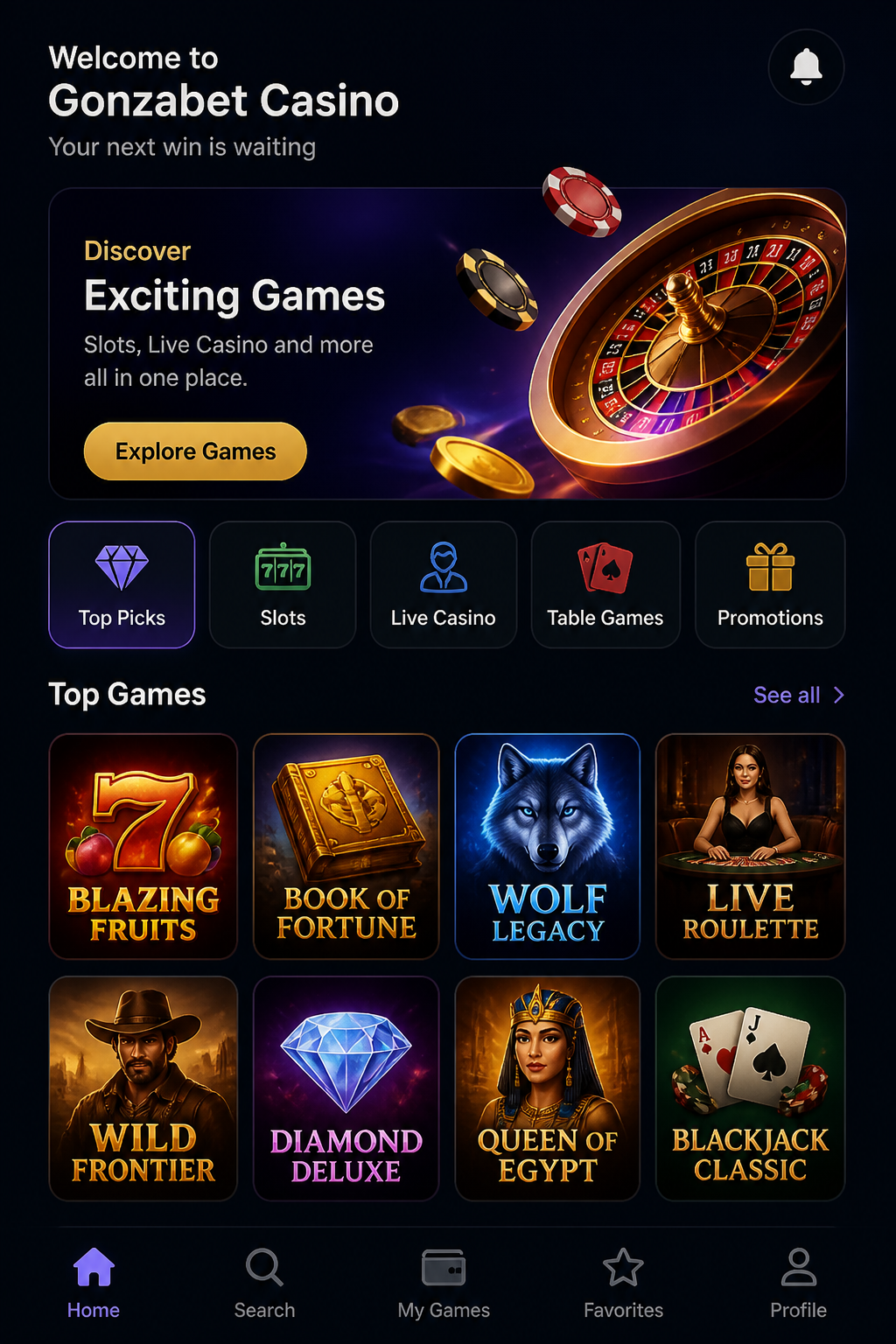
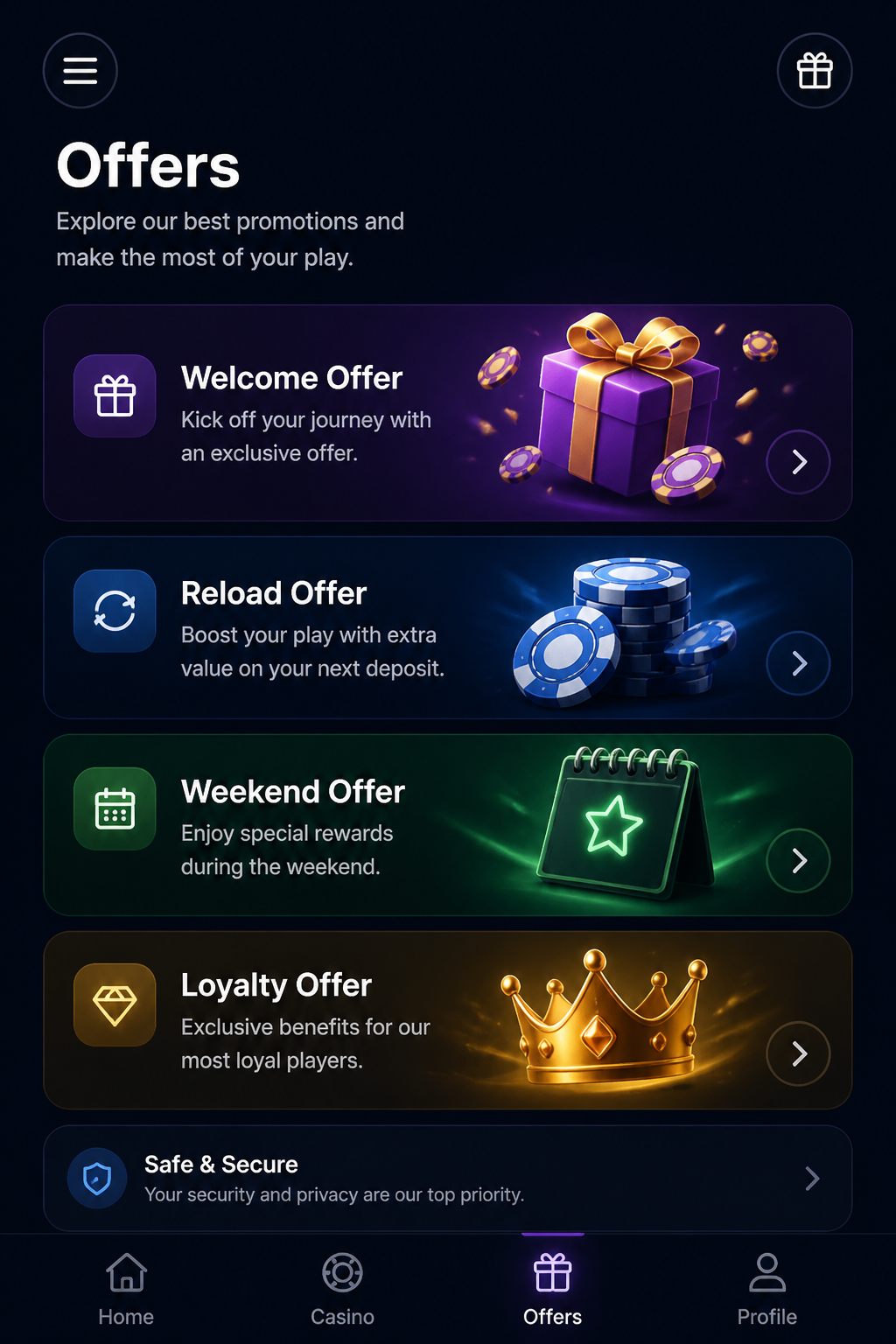
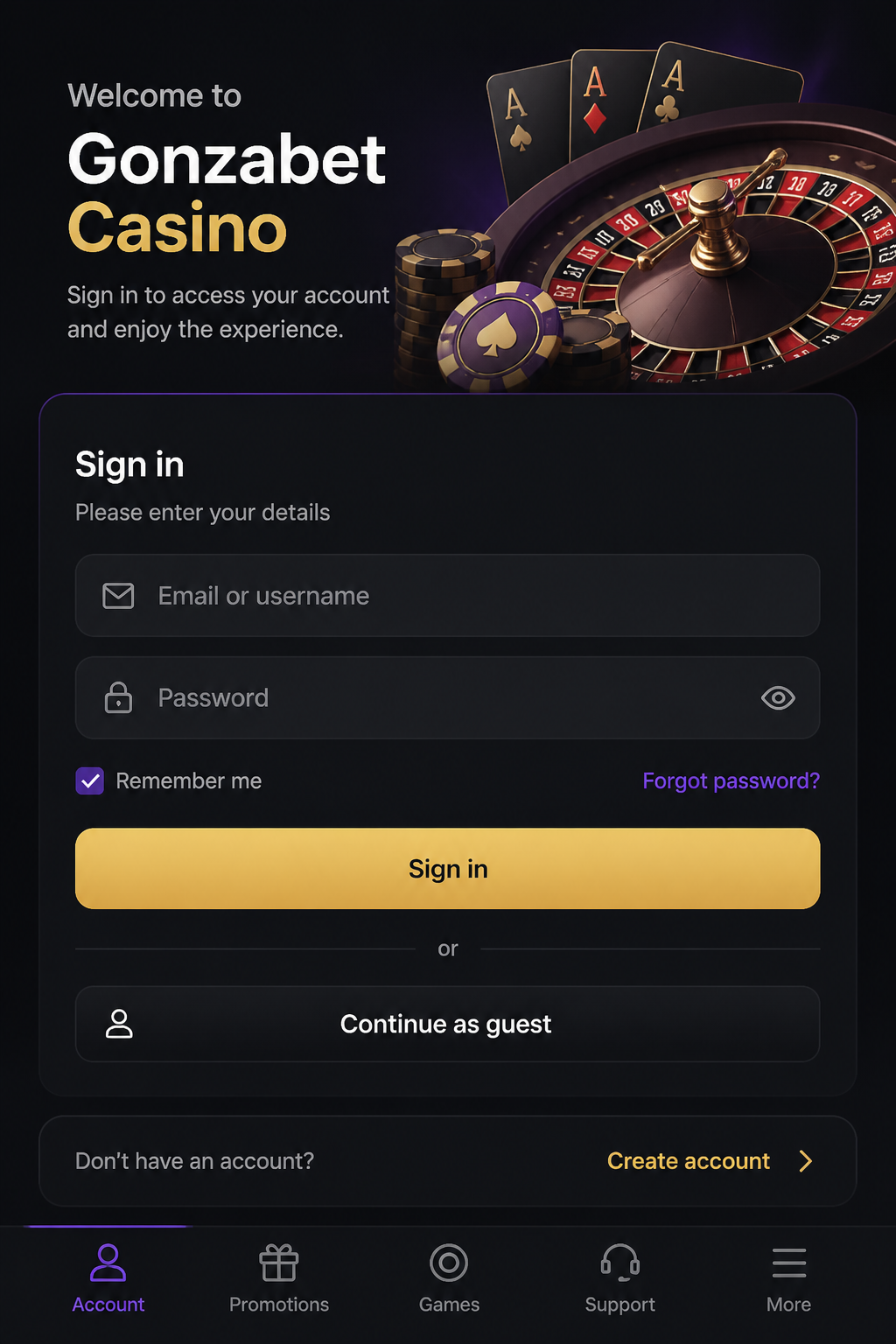
Mobile software can appear deceptively simple from the outside. An icon may open a website, a standalone application or a hybrid of the two. These formats have different implications for software distribution, device permissions and the storage of information. This guide looks at the distinctions that matter when reading about a mobile Gonzabet experience.
The discussion does not claim a hands-on app test or a confirmed app store listing. It explains established mobile technology and common browser choices, while keeping the brand's actual software availability separate. Local gambling authorisation applies to a service regardless of whether it is delivered through a browser or an installed program.
| Mobile formats | Responsive sites, web apps, native applications |
| Android browser examples | Chrome, Firefox, Samsung Internet |
| iOS browser examples | Safari, Chrome |
| Software distribution | Identifiable publisher and recognised app store |
| Display essentials | Readable balances and accessible navigation |
| Privacy settings | Notifications and device permissions |
Three ways a service can appear on a telephone
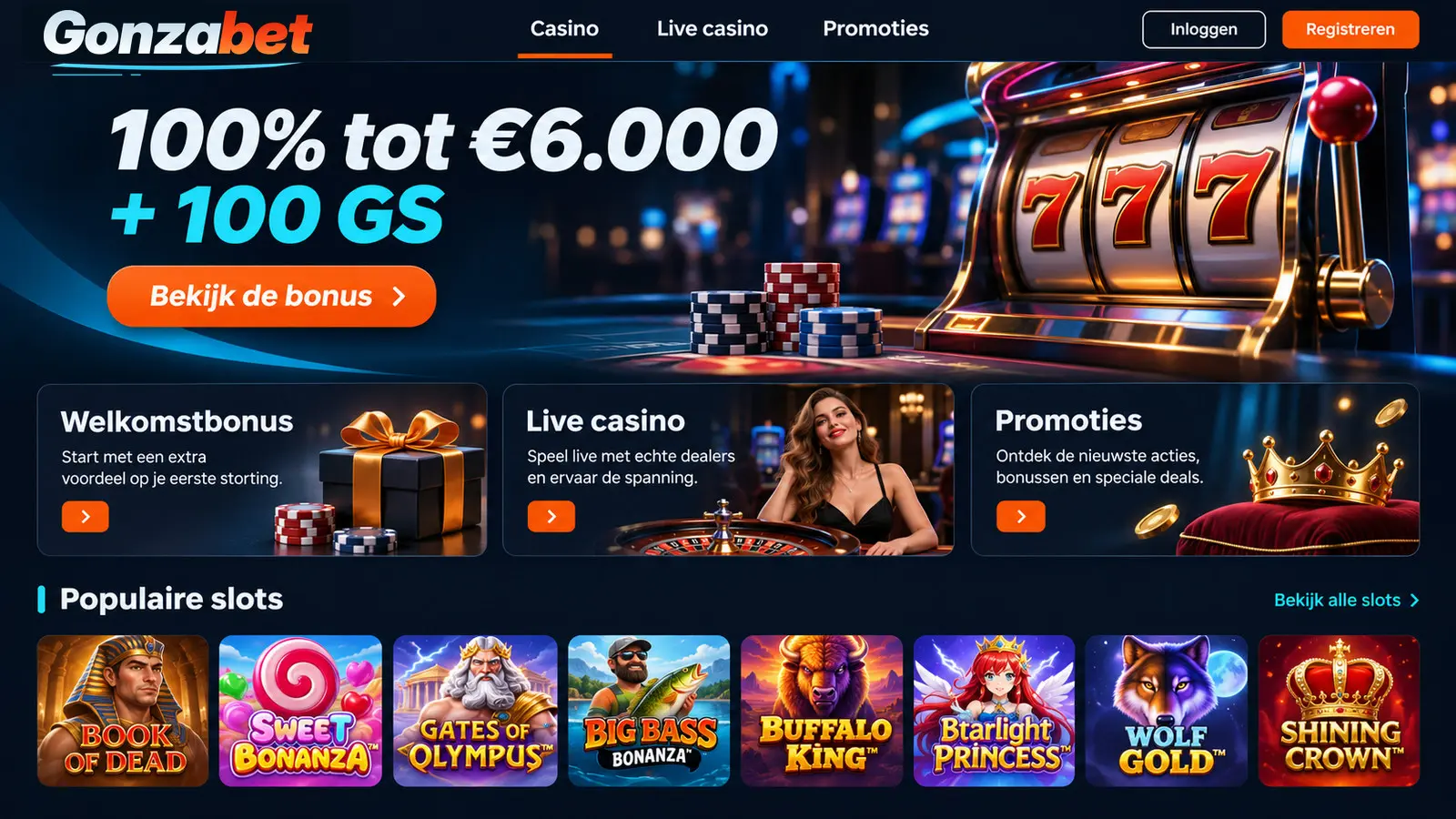
A responsive website uses a browser to display content in a layout adapted to the dimensions of a screen. Navigation may move from a horizontal menu to a smaller panel, while images and text can be rearranged into a single column. The website may also allow a visitor to create a shortcut on the home screen. This does not necessarily involve downloading a dedicated application.
A progressive web app can use web technologies to create an experience that resembles an installed program. Depending on the browser and implementation, it may have its own window, stored resources or other device integration. The term does not guarantee a particular set of capabilities. A native application, in contrast, is distributed as software for a particular operating system, although it may display web content inside its interface. Knowing which category applies helps explain what an installation prompt actually means.
The visual difference between these formats is not always obvious. An icon can be created using a website's branding, and a full-screen window can hide normal browser controls. These appearance choices tell a visitor relatively little about the software's origin. The publisher, distribution channel and requested permissions are more meaningful when evaluating device security.
Android and the variety of mobile devices
Android is used by many hardware manufacturers. Devices can differ in screen proportions, memory, software support and operating system versions. Chrome, Firefox and Samsung Internet are familiar browser examples. Their general availability does not mean that every web service has been tested with all of them. A problem experienced on one device may arise from the browser, the operating system, the network connection or the design of the website itself.
An Android installation package can contain software that is not distributed through the familiar app store interface. Unknown files may impersonate an established publisher or contain unwanted code. An instruction to switch off security protections should not be accepted simply because it appears alongside a recognisable casino name. Installing an unfamiliar program is unnecessary when the purpose is only to read information about the brand.
Software permissions also deserve attention. Access to contact lists, storage, messages or location can reveal information unrelated to the immediate task a user is performing. A request for a particular permission should have an understandable purpose. Refusing a permission that is unnecessary for viewing public information is a reasonable privacy choice. The fact that an operating system allows a permission to be granted does not establish that the requesting service has a legitimate need for it.
Apple devices and the identity of an app publisher
Safari is a common browser on iPhones and iPads. Other browser applications, including Chrome, are also widely recognised. A home-screen shortcut may look similar to an app installed from a distribution service. The ability to run a web page in a separate window is not proof that the brand has a dedicated iOS release. Software availability may also differ by region or operating system version.
A genuine distribution listing normally identifies a publisher and provides information about the program. Readers can use that information to distinguish similarly named products. An app listing cannot establish that the underlying gambling activity is authorised in the user's location. A request to install an unexpected configuration profile or to trust an unfamiliar developer should be approached cautiously. Such an action can have effects beyond the single page that prompted it.
The layout of financial and promotional information
On a small screen, a large promotional number can take up most of the available space. This may leave the explanation of the offer much less visible. The stated Gonzabet promotion is 100% up to €6,000 + 100 free spins. All components have distinct meanings, and the complete description should remain understandable when a page is viewed on a telephone. A visible headline does not communicate the conditions that may apply to promotional credit.
The presentation of balances also requires careful design. Two columns on a desktop may become separate rows on a smaller display. If the labels become separated from the corresponding amounts, it is easy to confuse a deposited balance with a promotional one. A financial confirmation should retain the amount and the nature of the action in a readable form. A control that submits a request should not be visually indistinguishable from a link that merely displays more information.
Text size, colour contrast and accessible navigation are important for more than appearance. Someone using a screen reader needs meaningful labels for interactive elements. A user who enlarges text should still be able to see the complete wording of a financial condition. General usability principles provide a useful way to evaluate the presentation without pretending that a specific interface has been examined.
Network delays and the reliability of a displayed status
A mobile network can change between different connection types as a device moves. A request sent to a server may be processed even when the response does not reach the screen. Conversely, the screen may display old information that has been temporarily retained by the browser. A spinning loading indicator does not establish which of these situations has occurred.
The distinction is particularly important when a payment is involved. A repeated instruction can result in a second transaction even if the first confirmation was not displayed. Preserving the transaction reference and checking the relevant financial records is preferable to repeatedly submitting a request. A problem with a video stream can similarly affect what is visible without necessarily altering the record of the underlying activity. These possibilities explain why a clear activity history is useful; they do not establish the existence of such a feature in Gonzabet's software.
Notifications can change everyday habits
An app or a browser may ask for permission to display notifications outside its usual window. This capability can be used for many purposes, from ordinary service updates to marketing. A message that includes a large reward or a short deadline can create a sense of urgency even when it has no practical importance to the recipient. Someone who is trying to reduce gambling-related activity may find those reminders particularly disruptive.
Most modern mobile environments provide ways to manage notification permissions. Removing an unwanted shortcut or turning off promotional messages can reduce repeated exposure to the subject. These steps are especially relevant when gambling has started to interrupt work, sleep or personal relationships. A person does not need to keep a casino application installed to retain their ability to seek help regarding an existing financial dispute.
Protecting a device and the information stored on it
A telephone can contain contact information, private photographs and access to financial accounts. If it is lost or left unlocked, information stored in a browser or app may become accessible to another person. A screen lock and current software can reduce certain risks. They do not make an unfamiliar website safe, and they cannot prevent a user from intentionally sharing information with the wrong recipient.
An authentication code is often generated for a particular account action. Sharing it with someone who promises to resolve a payment problem can allow a different action to be authorised. A recovery code may have an even broader function. These secrets should not be included in a customer service message. Identity documents also deserve careful handling; the purpose of a request and the identity of the receiving organisation should be clear before a document is shared.
Mobile convenience does not remove gambling risk
An easily accessible interface can make an activity fit into many short gaps during the day. That can make time and spending less visible than they would be during one planned session. The presence of mobile technology is not an indication of financial safety, legal eligibility or better gambling outcomes. Any assessment of a service should keep these issues separate.
For a reader who wants distance from gambling, restricting access to distracting applications and discussing appropriate support can be more helpful than looking for a different mobile format. Local exclusion programmes and independent services may provide additional protection. A browser or app should never be used to circumvent an exclusion or another restriction. The purpose of this Gonzabet guide is to make the technology understandable, not to encourage installation or participation.